The True Cost of a “Cheap” Website: An Insider’s Breakdown of Template Flaws
The promise is intoxicating. "Launch a stunning, professional website Design in hours for just AED 100 a month." Platforms like...
The promise is intoxicating. "Launch a stunning, professional website Design in hours for just AED 100 a month." Platforms like...
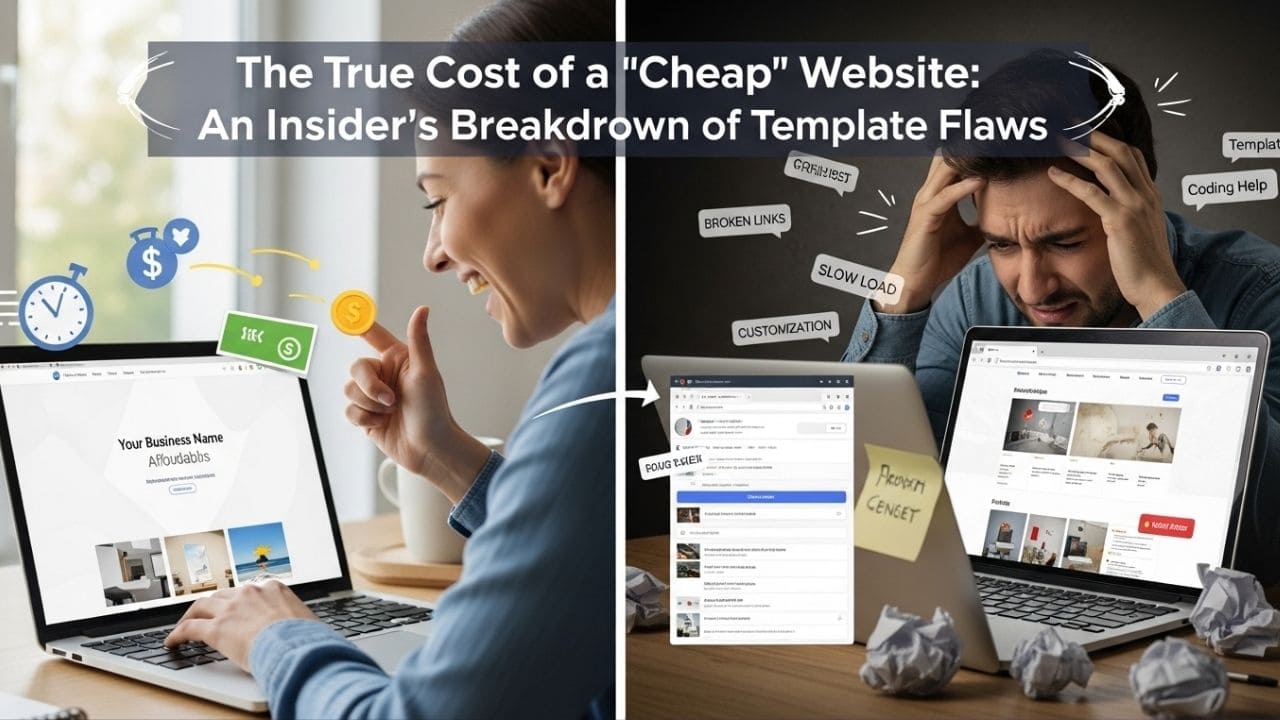
The promise is intoxicating. “Launch a stunning, professional website Design in hours for just AED 100 a month.” Platforms like Wix, Squarespace, and the endless sea of cheap WordPress themes sell a dream: a fast, affordable, and easy shortcut to a professional online presence. For a business owner in Dubai, juggling a dozen other priorities, it sounds like the perfect solution.
But this convenience is a mirage. The template website, sold as a launchpad, often becomes a cage. It’s a digital straightjacket that looks good on the outside but severely restricts your business’s ability to move, grow, and perform.
The true cost of a template isn’t measured by its low monthly fee. It’s measured in lost leads, frustrated customers, critical security vulnerabilities, and most importantly, the massive opportunity cost of what a real digital asset could have achieved. This article breaks down the five hidden costs that template providers don’t advertise, revealing why investing in a proper foundation is the only financially sound decision for a serious business.
To be fair and build trust, let’s acknowledge that templates are not useless. They are a tool, and for a very specific set of jobs, they are the right tool. If you are a hobbyist launching a personal blog, an artist needing a simple portfolio, or a community group setting up a temporary event page, a template is a fantastic, cost-effective option.
The problem arises when a business with ambitions of growth, lead generation, and operational efficiency chooses this same simple tool for a complex, mission-critical job. It’s like using a hammer to perform surgery.
When you choose a template, you’re not just choosing a design; you’re inheriting a cascade of compromises. Here is what you’re really paying for.
Templates are built on a one-size-fits-all model. To appeal to the widest possible audience, they are packed with every conceivable feature, animation, and integration, whether you need them or not. The result is a mountain of unnecessary code, often called “code bloat.”
This bloat directly impacts your website’s loading speed. While your site may only use 20% of the template’s features, it is still forced to load the other 80% in the background. This is why so many beautiful template sites are painfully slow.
The Business Impact:
A custom-built website is engineered with only the code required to achieve your specific business goals. Think of it as a race car built purely for performance—while a template is more like a city bus: designed to carry everyone, but built to win no races. This fundamental difference is why the final Optimization Phase of our 5-step development framework is non-negotiable. We rigorously validate performance using tools like Google’s PageSpeed Insights to ensure elite-level speed and efficiency.
A template forces your business to conform to its limitations. A custom solution builds the solution to conform to your business. This is the fundamental difference.
Imagine you run a service business in Dubai that needs a specific booking system that integrates with your custom CRM and sends automated WhatsApp reminders. With a template, you’re stuck with their pre-built booking plugin, which might be “good enough,” but doesn’t fit your ideal workflow. You are forced to change your business operations to match the software.
This is where hiring a technician versus a strategist becomes critical. A technician will help you find the best-fitting template. A <a href=”https://onlinetist.com/developer-vs-strategist/”>digital strategist</a> first understands your ideal business process and then builds the exact digital tool to execute it. With a template, you can change the paint color, but you can’t move the walls.
“SEO-Friendly” is one of the most misleading marketing terms in the web design industry. In the context of templates, it typically means one thing: you get a field to enter a meta title and a meta description. This is the absolute bare minimum, like saying a car is “road-friendly” because it has tires.
Real, effective SEO is baked into the very architecture of a website. Here’s what “SEO-Friendly” templates often lack:
As we covered in our article on <a href=”https://onlinetist.com/the-digital-lie-how-youre-sold-success-that-doesnt-exist/”>The Digital Lie</a>, SEO isn’t a feature you add later; it’s the result of superior engineering from the start. A template will almost always put you at a technical disadvantage against a well-built custom competitor.
When you use a platform like Wix or Squarespace, you don’t own your website; you are renting digital space. This creates several significant risks:
With WordPress templates, the risk shifts to maintenance. Every plugin you add is a potential security backdoor. According to security reports, outdated plugins and themes are a leading cause of website hacks. A custom site built on a secure framework gives you full ownership of your code and a much smaller, more controllable attack surface.
This is the most significant and most overlooked cost. A template solves one problem: “I don’t have a website.” It is completely unequipped to solve the real business problem: “I need to grow my company.”
Because the template process encourages you to skip the most critical strategic work—discovery, user journey mapping, goal setting—the final product is built on a foundation of guesswork. It was never designed to convert a specific audience, automate a key process, or build a long-term brand asset.
Every month your business operates with an underperforming template website, you are bleeding potential leads and revenue. The “savings” from the template are dwarfed by the lost income you could have generated with a strategic digital asset. This fundamental lack of a strategic blueprint is precisely <a href=”[your-future-website-planning-checklist-link]”>why most websites fail before a single line of code is written</a>.
The choice is not simply “cheap template vs. expensive custom build.” The choice is between a disposable digital brochure and a permanent business asset. It’s between a recurring expense and a revenue-generating investment.
Before you are lured in by the promise of a quick and cheap solution, calculate the true, long-term cost. Factor in the lost customers from slow speeds, the operational inefficiencies from inflexible systems, the missed organic traffic from poor SEO, and the immeasurable cost of stunted business growth. When you do the math, you’ll find that the most expensive website you can have is a cheap one that doesn’t work.
1. Does this mean all WordPress websites are bad?
Not at all. There is a massive difference between a cheap, off-the-shelf WordPress theme and a custom WordPress site built by a professional. WordPress is a powerful content management system, but its effectiveness depends entirely on how it’s built. A custom build leverages the flexibility of WordPress without the bloat and security risks of generic themes.
2. I’m a startup with a very small budget. What should I do?
This is a common challenge. The strategic advice would be to start with the absolute most simple, lightweight template possible for a “Phase 1” launch. Use it as a digital business card, but simultaneously, create a plan and budget for a “Phase 2” custom build. Know that the template is a temporary stop-gap, not a long-term solution.
3. How can I tell if my current website is a limiting template?
Look for common signs: Is it noticeably slow? When you want to add a specific feature, are you forced to use a clunky, generic plugin? Does your developer say “the theme doesn’t allow that” when you ask for changes? These are all indicators that you are working within the constraints of a template.
External Links
References