Hiring a Website Developer in USA? Read This Before You Do
Before hiring a website developer in the USA, learn the hidden security risks, coding mistakes, and questions every business should ask to avoid costly problems.
Before hiring a website developer in the USA, learn the hidden security risks, coding mistakes, and questions every business should ask to avoid costly problems.
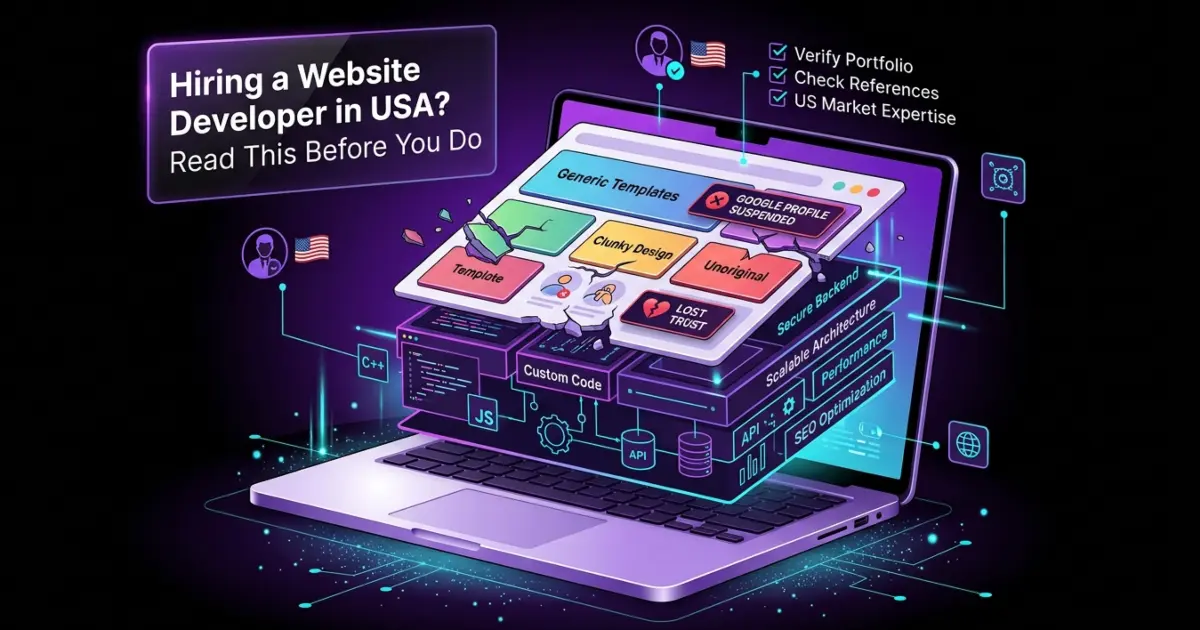
Whether you're hiring a developer for a new business website or planning a custom web application, understanding website security before development can save thousands of dollars in future losses. If you're looking for a professional Website Developer USA or exploring Website Development Austin services, choosing a developer who follows secure coding practices is just as important as choosing one with a strong design portfolio.
After more than a decade working in the digital industry, one thing has remained surprisingly consistent. Almost every client asks about design, colors, animations, loading speed, and user experience.
Very few ask a much more important question:
Most businesses assume that once a website displays the padlock icon (HTTPS), it is secure. Unfortunately, that's only one small part of website security.
A vulnerable website can be compromised in minutes. An attacker may change product prices on an eCommerce store, inject malicious code, steal customer information, expose confidential business data, or obtain API keys that continue generating charges without the owner's knowledge. Many businesses only discover the problem after receiving an unexpected invoice or when customers begin reporting suspicious activity.
Website security isn't just about preventing hackers. It's about protecting your reputation, customer trust, revenue, and the long-term stability of your business.
Website security is the process of protecting your website, its visitors, business information, databases, applications, and online services from unauthorized access or malicious activity.
A properly secured website protects far more than the pages visitors see. It also protects login credentials, customer information, payment data, databases, server files, API credentials, and business operations.
Security is never achieved by installing a single plugin or enabling HTTPS. It is built through multiple layers working together, reducing opportunities for attackers to exploit weaknesses.
Many people imagine hackers manually targeting large companies. In reality, most attacks today are automated.
Millions of bots continuously scan websites looking for outdated software, exposed files, weak passwords, and known vulnerabilities. Your business does not have to be famous to become a target. Often, vulnerable websites are discovered automatically.
Some of the most common security threats include:
Simple or reused passwords allow automated tools to guess login credentials within minutes. Once attackers gain administrator access, they effectively control the entire website.
Old versions of content management systems, plugins, frameworks, or server software frequently contain publicly documented vulnerabilities that attackers actively search for.
Every plugin introduces additional code into your website. Poorly maintained or abandoned plugins can create security weaknesses that compromise the entire application.
Modern websites often depend on external packages and libraries. If one of these contains a vulnerability, your website may inherit that risk without you realizing it.
Incorrect permissions, exposed directories, insecure backups, or unnecessary services running on the server can provide attackers with easy entry points.
API keys should always remain private. If they're accidentally published inside website files or source code, attackers can misuse paid services, resulting in unexpected charges that sometimes reach thousands of dollars.
Improperly validated input allows attackers to manipulate database queries, potentially exposing or modifying sensitive business information.
XSS attacks inject malicious JavaScript into web pages, allowing attackers to steal session cookies, impersonate users, or manipulate website content displayed to visitors.
CSRF tricks authenticated users into unknowingly performing actions they never intended, such as changing account settings or submitting unauthorized requests.
If upload forms are not properly secured, attackers may upload malicious files capable of infecting the website or even the server itself.
Automated software continuously attempts thousands of username and password combinations until it successfully gains access to an account.
Most successful attacks do not happen because attackers are exceptionally skilled.
They happen because security was never considered during development.
One of the most common mistakes is hardcoding sensitive information directly into website files. Developers sometimes leave API keys, passwords, private credentials, or access tokens inside the application's source code. If these become exposed, attackers can abuse cloud services, payment systems, AI APIs, or third-party platforms.
Imagine expecting a monthly API bill of only $10, only to receive an invoice worth thousands of dollars because your API key was publicly accessible.
Another common problem is relying heavily on third-party plugins and integrations. Every additional dependency increases the website's attack surface. If even one vulnerable component exists, it can become an entry point for attackers.
Security should never be something added after development is complete. It should be part of every decision made while building the website.
HTTPS encrypts the connection between your visitors and your website, protecting data while it travels across the internet. While this is essential, HTTPS alone does not secure your website.
A website can still be vulnerable even if it has a valid SSL certificate.
A complete security strategy includes secure authentication, password hashing, encryption, proper access control, input validation, output escaping, secure session management, security headers, regular software updates, backups, logging, and continuous monitoring. Think of HTTPS as locking your front door—it doesn't protect the rest of the building if the windows are left open.
Many businesses believe security is expensive until they experience a breach.
The financial impact of a compromised website can include lost sales, website downtime, customer data exposure, damaged search engine rankings, emergency recovery costs, API abuse, legal issues, and long-term damage to the company's reputation.
Perhaps the greatest loss is customer trust. Once customers believe their information is unsafe, rebuilding that confidence can take years.
Investing in security during development is almost always less expensive than recovering from an attack.
The simple answer is everyone.
However, not every website faces the same level of risk.
A small informational website with only company details may not be an attractive target because attackers have little to gain. Even then, the website can still be hacked, defaced, infected with malware, or abused for spam if it contains security weaknesses.
Businesses that collect customer information, process payments, offer online bookings, provide member accounts, or integrate with external services carry much greater responsibility. The more valuable the data, the stronger the security should be.
Website security starts before the first line of code is written.
Professional developers think about security throughout the entire development process rather than trying to fix problems after launch.
Clean code is easier to review, easier to update, and much easier to secure. Removing unnecessary features and unused code reduces the number of places where vulnerabilities can exist.
Passwords, API keys, database credentials, and private tokens should never be stored directly inside source code. They should always be managed securely using protected configuration methods.
Only install plugins, libraries, or external packages that are genuinely necessary. Every additional dependency introduces another potential security risk and increases maintenance requirements.
Software updates are not only about adding new features. Many updates contain important security patches that close vulnerabilities discovered after previous releases.
Not every user or application should have full administrative access. Granting only the permissions required for a specific role significantly limits the damage if an account is compromised.
Security is not a one-time task. Regular audits of source code, server configuration, dependencies, and authentication systems help identify weaknesses before attackers can exploit them.
A beautiful website is not necessarily a secure website.
Many developers focus on appearance while paying little attention to secure coding practices, server configuration, authentication, or long-term maintenance.
When hiring a developer, businesses should look beyond design portfolios. Ask how security is handled, how sensitive data is protected, whether coding standards are followed, and how future maintenance will be managed.
A professionally developed website should provide complete ownership, clean code, proper documentation, and security practices that protect the business long after the website goes live.
If you're planning a next-generation business website, explore how next-generation website development focuses on secure coding, long-term scalability, and maintainable architecture instead of simply creating attractive pages.
Website security should never be viewed as an optional feature or an additional service. It is one of the foundations of a reliable website.
Businesses invest thousands of dollars into branding, advertising, and search engine optimization, yet a single overlooked vulnerability can undo years of hard work in a matter of minutes.
The best time to think about security is before a website is launched—not after it has been compromised.
No. HTTPS only encrypts data during transmission. A secure website also requires secure code, protected servers, authentication, updates, and regular security audits.
Yes. Most attacks are automated and target vulnerabilities rather than business size.
Exposing sensitive information such as API keys, using outdated software, installing insecure plugins, and failing to keep systems updated are among the most common mistakes.
A professional security audit should be performed regularly, particularly after major updates, new integrations, or significant changes to the website.
No. Website security is an ongoing process that requires continuous monitoring, maintenance, updates, and periodic reviews.
Website security is much more than an SSL certificate or a secure login page. It is a continuous process of protecting your website, your customers, and your business from constantly evolving threats.
Whether you operate a simple business website, an eCommerce store, or a custom web application, investing in secure development from the beginning is one of the smartest decisions you can make.